

// F1 25 TELEMETRY
FIND THE TENTHSYOU'RE LOSING
Upload one F1 25 session and get 25+ interactive charts showing exactly where your lap time went. Corner by corner, lap by lap, in a report you keep.
8 free reports. No card required. First 200 members lock the founding rate for life.
Team IFC records from a Windows PC. On a phone right now? Sign up and your download link will be waiting when you are back at your rig.
// WALKTHROUGH
SEE IT IN ACTION
A full walkthrough of the Team IFC workflow: record an F1 25 session, upload the telemetry .db file, and open your race engineer report.
/ HOW IT WORKS
FROM STINT TO DEBRIEF
RECORD
Download the Team IFC Recorder, a single Windows exe. It listens to F1 25 telemetry while you drive. Nothing to install.
UPLOAD
After your session, upload the .db file to your dashboard. One click.
DEBRIEF
Your interactive report is generated in minutes. Open it in any browser. Yours to keep.
// REPORT SHOWCASE
ONE UPLOAD. THE FULL PICTURE.
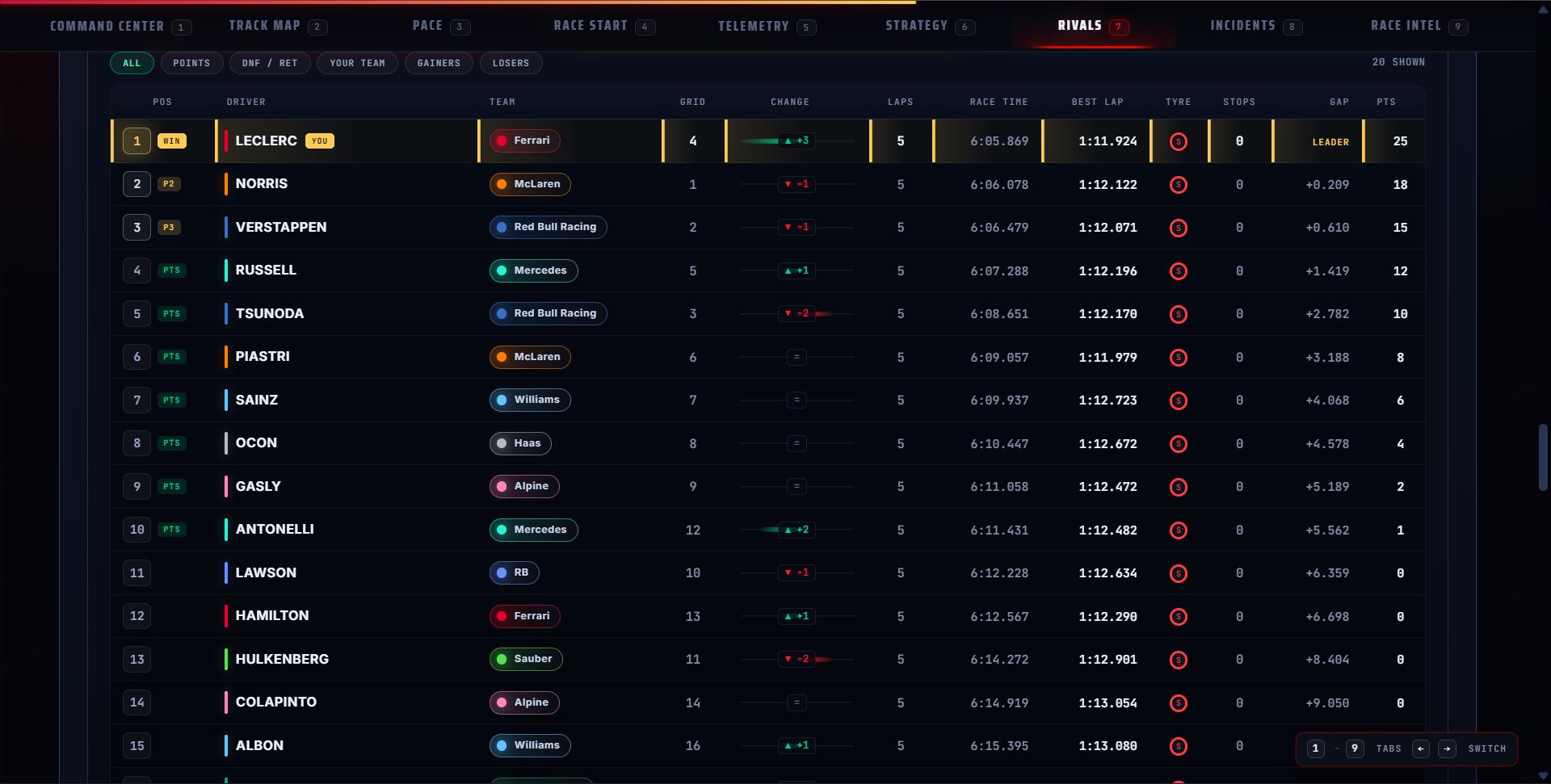
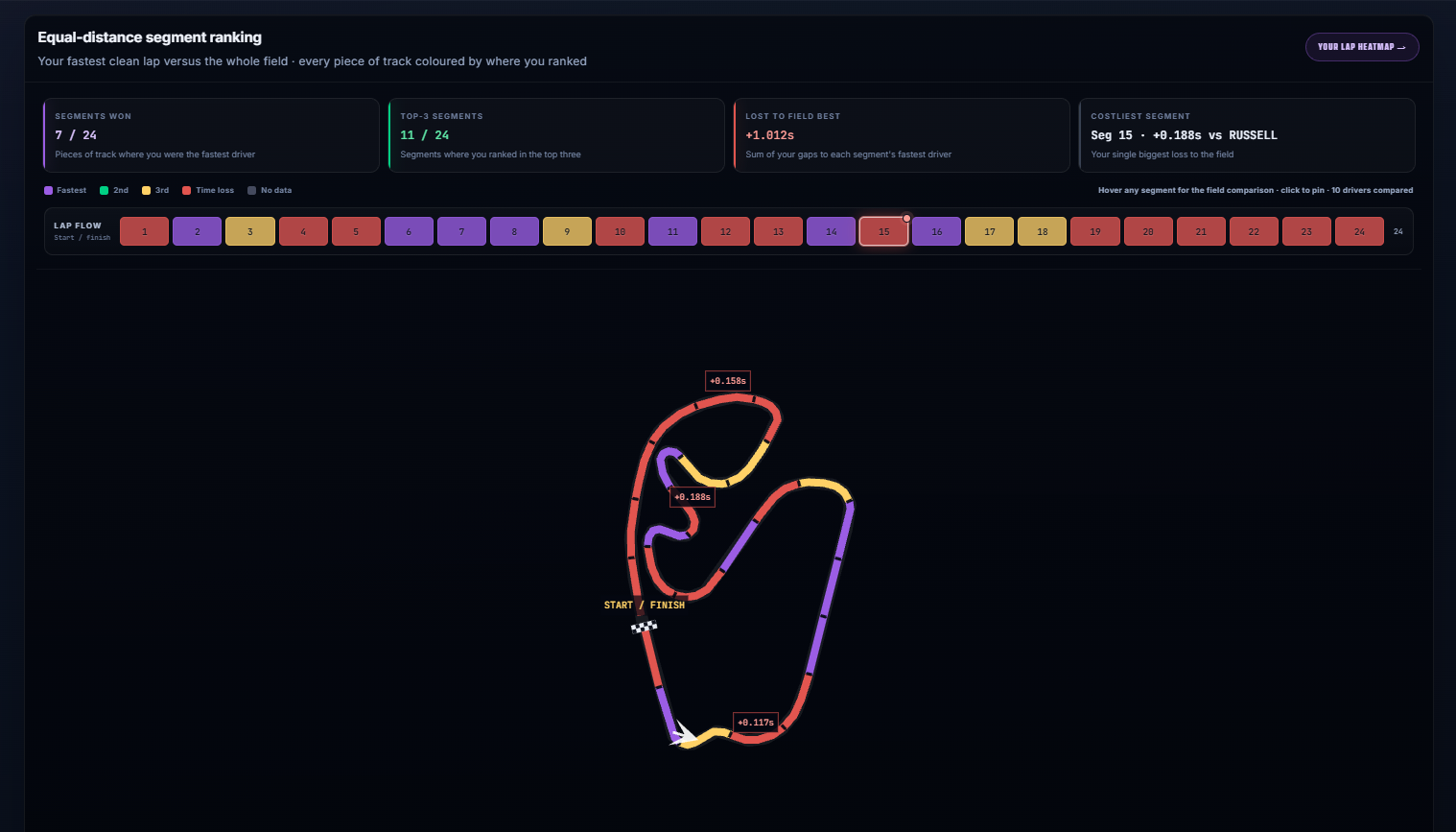
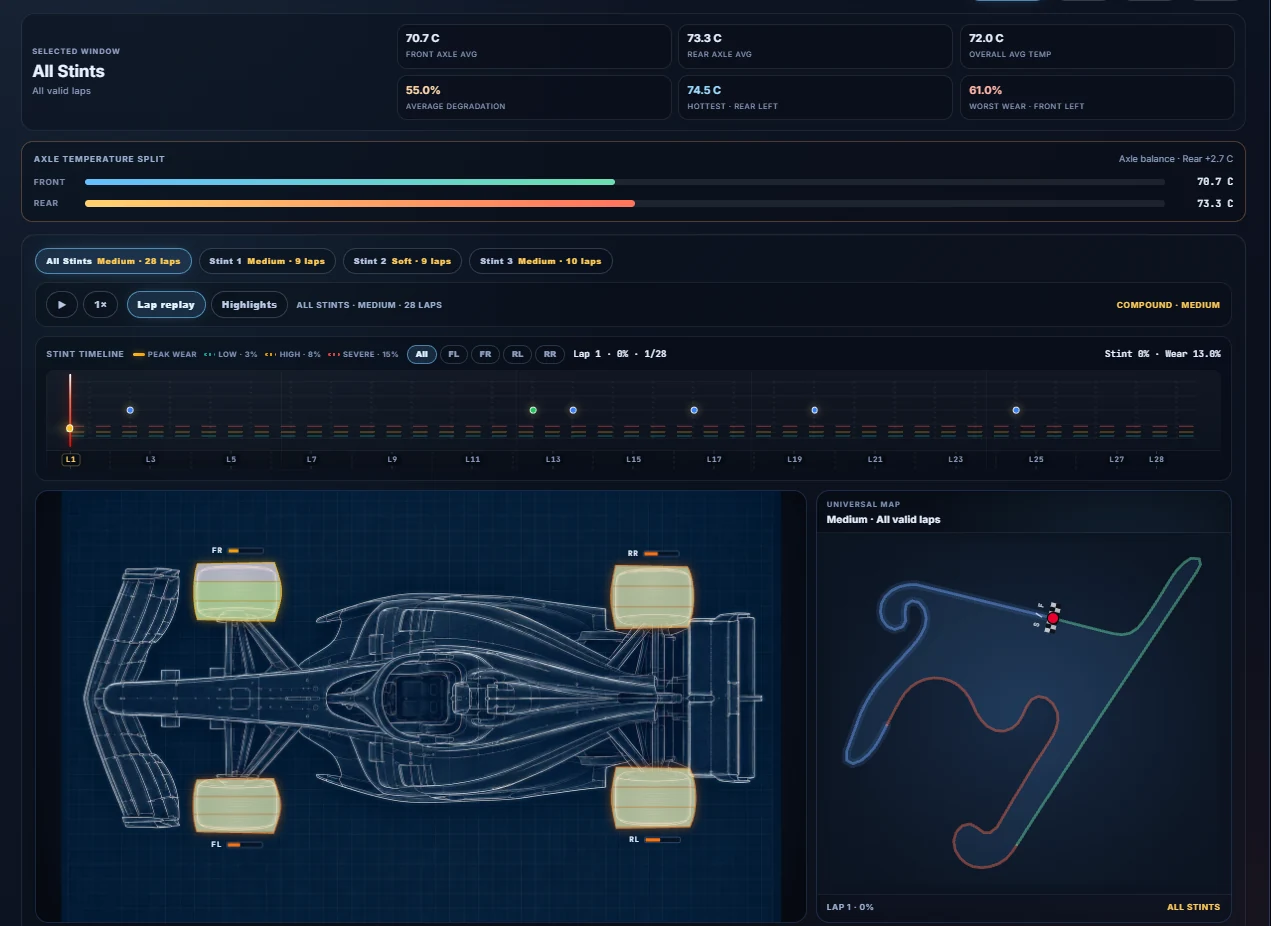
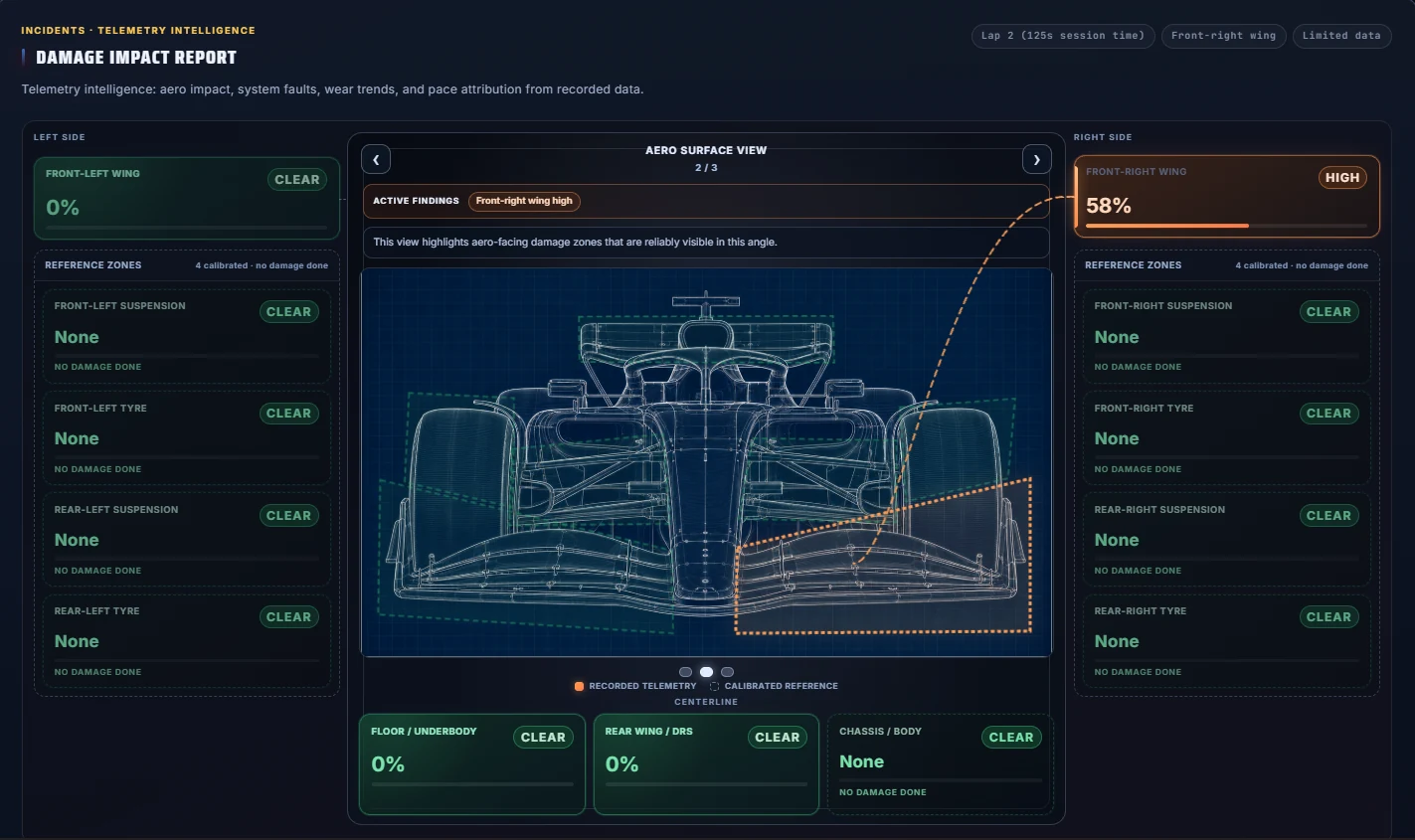
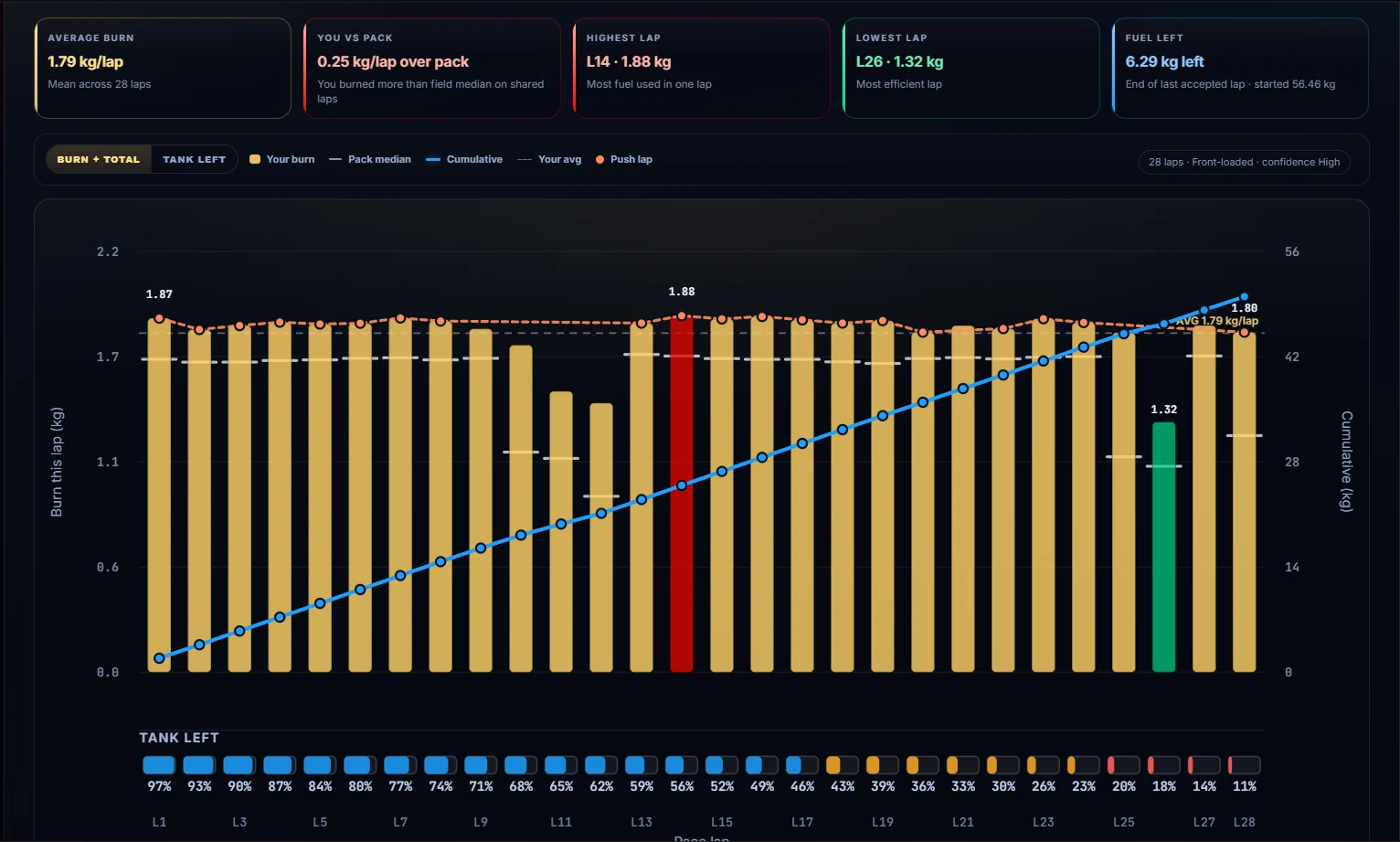
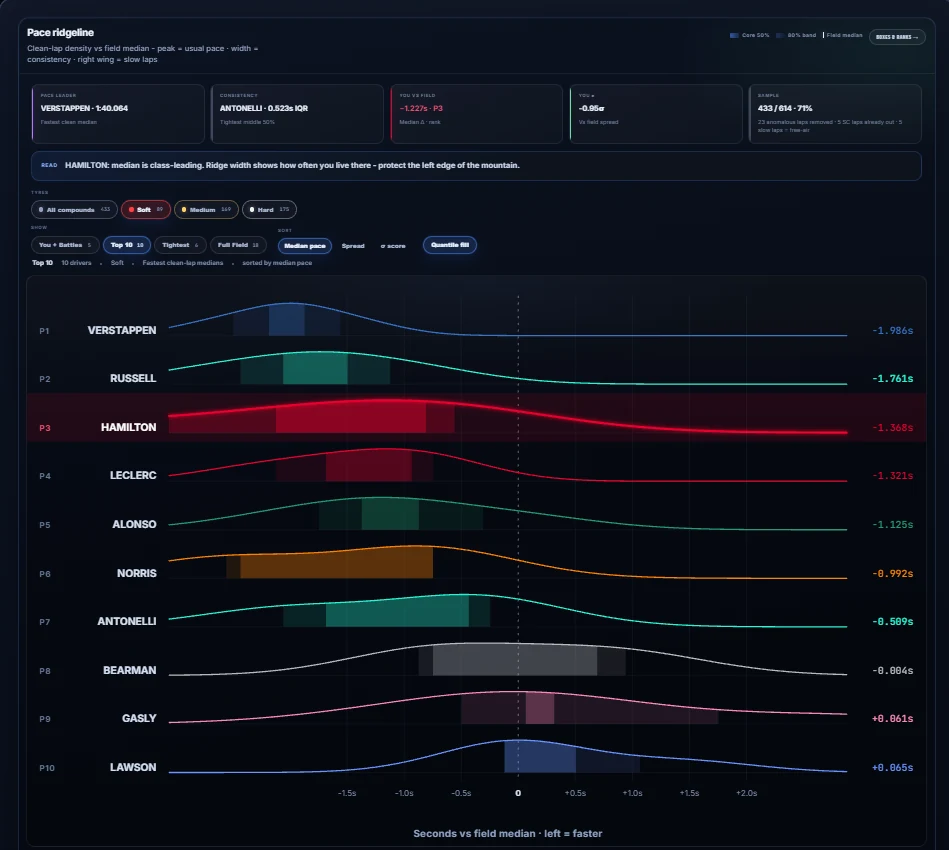
Interactive charts, not static screenshots. Hover any lap, isolate any driver, replay any stint.
/ WHAT GETS ANALYSED
EVERY LAP. EVERY DETAIL.
- Lap times, sectors and minisectors
- Tyre wear, temperature and strategy
- Pit stops and undercut windows
- Race start and launch analysis
- Damage and its cost in lap time
- Fuel usage and lift-and-coast
- ERS deployment and battery
- Rival comparison lap by lap
- Weather and track evolution
- Race engineer summary in plain English
// PLATFORM SUPPORT
Works with F1 25 offline race and qualifying sessions in My Team, Driver Career, and Grand Prix. PC fully supported. PS5 and other devices can record over LAN, currently in beta. Practice, Time Trial, and online multiplayer are on the roadmap.
// PRICING
SIMPLE. RACE READY.
FREE TRIAL
8 reports free, valid 7 days. One trial per gamertag.
VIEWPRO
LIMITED75 reports per quarter.
Founding offer: Rs 199 per quarter for the first 200 subscribers, rate locked while subscribed.
VIEWANNUAL
350 reports.
VIEWPrices shown in INR. Local currency shown at checkout.
/ FAQ
QUESTIONS, ANSWERED
What is a credit?
One credit generates one full race report. If report generation fails, no credit is used.
How long does a report take?
It depends on the size of your telemetry file. Shorter sessions such as qualifying usually finish in a couple of minutes. Full race files are much larger and commonly take 5 to 15 minutes, sometimes longer at busy times.
Which game modes are supported?
Race and qualifying sessions from offline F1 25 modes: My Team, Driver Career, and Grand Prix. Practice, Time Trial, and online multiplayer are on the roadmap.
How long can I access my reports?
Generated reports stay in Your Reports for 7 days, then are automatically deleted. Download any report you want to keep.
What platforms work?
PC is fully supported. Console sessions, including PS5 and Xbox, are captured over your local network using the recorder's LAN mode, which is currently in beta. It works, but you may hit rough edges. If something goes wrong, email support@teamifc.com with a screenshot and a short description of what happened and we will fix it.